Software updates at a glance.
Scewo BRO
Lagoon
Software Version: 24.9.3 (17.09.2025)
Here are the improvements and new features your BRO will receive with this update:
- Optimized Relax Position & Standing Assist: Both functions are now even better integrated into the system. You can now select and save your preferred positions directly via the BRO app, so they are always quick and easy to access.
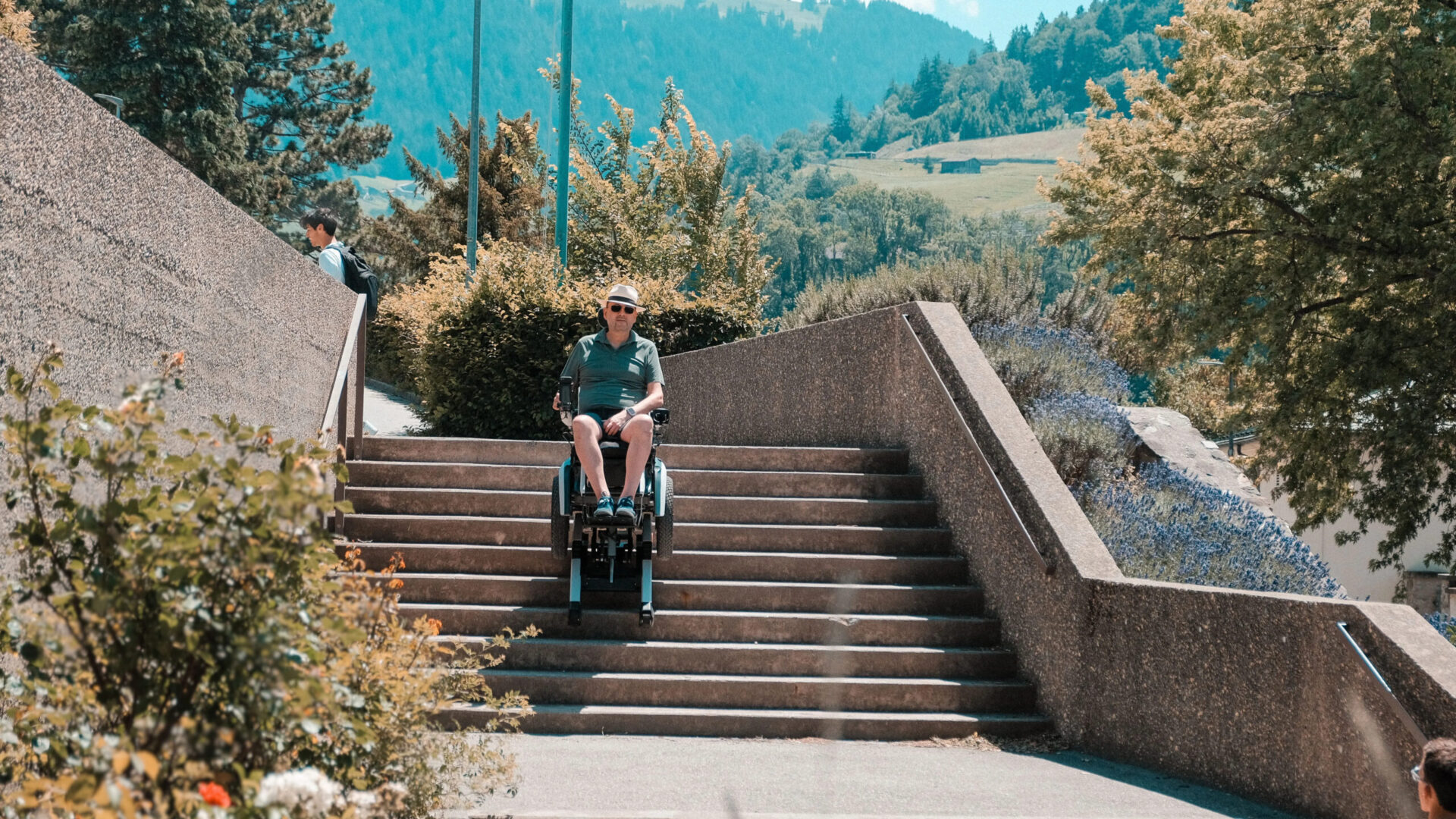
- Stair Mode for small steps: BRO now automatically detects small steps and handles them comfortably in Stair Mode instead of switching to Track Mode.
- Optimized Stair Mode with StairGuard: The “StairGuard” stair assistant now ensures that BRO remains straight even during the transition at the top of the stairs.
- LED strips activated for Germany: The rear LED strip is now activated for users of newer BRO models in Germany.
- New attendant control option: For users with attendant control, the joystick direction (right/left) can now be reversed for more comfortable operation.
Further improvements:
- An incorrect motor error message in standby mode has been fixed.
- An issue with the front distance sensors that could cause jerking has been resolved.
- The “additional step detected” notification during stair climbing has been removed.
- The joystick can now be configured so that pulling accelerates and pushing brakes.
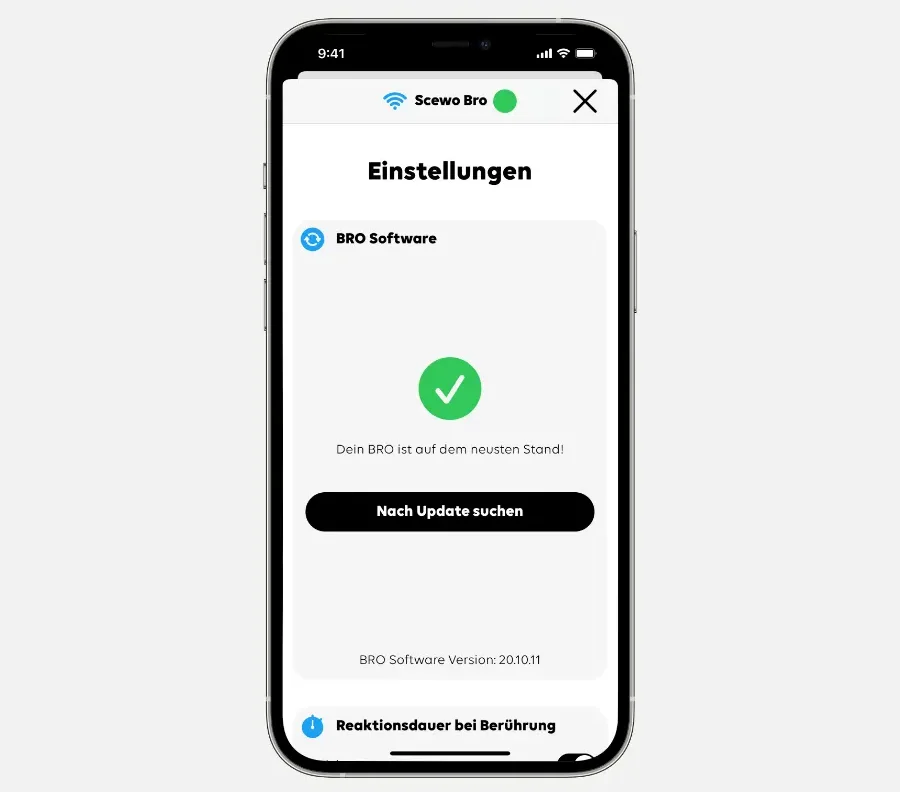
This update includes several improvements designed to increase your safety in different situations. We strongly recommend updating your BRO as soon as possible before your next ride.
You can find all details about the update in the release video on YouTube.
Kinetic
Software Version: 23.10.7
Here are the improvements and new features your BRO will receive with this update:
- StairGuard stair assistant: The new StairGuard stair assistant makes climbing stairs easier and helps BRO stay on track. You can learn more in this video.
- Improved slope detection: Slope detection in Driving Mode has been optimized so that warnings for ramps that are too steep can be displayed even more precisely.
- Battery indicator correction: An issue has been fixed where the battery charge level was not displayed correctly under certain circumstances.
- Maintenance notifications: Maintenance notifications are now available in the event of an issue with the seat lift or support system (see Helpcenter).
- Horn: The BRO horn now has a minimum volume setting, ensuring it remains clearly audible even when set to “silent.”
Jabba
Software Version: 23.10.7
Here are the improvements and new features your BRO will receive with this update:
- StairGuard stair assistant: The new StairGuard stair assistant makes climbing stairs easier and helps BRO stay on track. Learn more in this video.
- Improved slope detection: Slope detection in Driving Mode has been optimized so that warnings for ramps that are too steep can be displayed even more precisely.
- Battery indicator fix: An issue has been resolved where the battery charge level was not displayed correctly under certain circumstances.
- Maintenance notifications: Maintenance notifications are now shown if there is an issue with the seat lift or support system (see Helpcenter).
- Horn: The BRO horn now has a minimum volume setting, ensuring it remains clearly audible even when set to “silent.”
Vorherige Updates
IG-88
Software Version: 23.9.11
Here are the improvements and new features your BRO will receive with this update:
- Detecting stairs with nosings: BRO can now detect open stairs or stairs with nosings and climb them without any issues. You can find out more in this video.
- BRO motor notifications in the app: BRO’s motors are now monitored even more closely. If there is an issue, it will now also be displayed on the control console (red illuminated gear icon) and in the app on your smartphone. You can find more details in the user manual under chapter “11.2.1 Errors”.
- More customizable joystick control: Thanks to new adjustment options, your official Scewo partner can now tailor the joystick controls even more precisely to your individual needs.
HAN SOLO
Software Version: 23.4.3
Here’s what BRO can now do – or do even better – with the software update:
- Maximum speed with a low battery: You can now use BRO’s full speed even when the battery level is low.
- Switching between Maneuvering Mode / Stair Mode: In Stair Mode (on the platform), you can now use the joystick to switch even more precisely between Maneuvering Mode and Stair Mode.
- Improved notifications & minor corrections: Several notifications have been improved and expanded to make them easier to understand. For example, there is now a notification informing you that the support wheels are extended when you reach the bottom of the stairs. We recommend continuing to move forward in Stair Mode at the bottom of the stairs until this notification disappears before switching to Driving Mode. This ensures that the tracks at the rear are no longer touching the last step.
GENERAL GRIEVOUS
Software Version: 22.9.3
Here’s what BRO can now do – or do even better – with the software update:
- Deviations from the center of gravity: It is now possible to switch to Driving Mode even if there are larger deviations from the last saved center of gravity. So if you are sitting slightly differently in BRO, it can still return to Driving Mode, although the transition may be a little less smooth. Even though switching modes is now more reliable, it is still important for safety reasons to save the center of gravity regularly.
- Moving the joystick: As you know, BRO requires you to move the joystick when switching modes so that the motors can move into the required position. Previously, when switching from Park Mode to Driving Mode, this was only necessary if something had been adjusted in Park Mode, such as the backrest. BRO now only switches to Driving Mode after the joystick has been moved, even if no position has been changed. This protects you from an unintended mode change, for example if you are using public transport and accidentally select Driving Mode.
- Improved notifications & minor corrections: Several notifications have been improved to make them easier to understand. We have also fixed some minor issues that you may not even have noticed. For example, when using remote control, it was not possible to switch between slow driving (turtle) and fast driving (hare) in every position.
- Easier maintenance: We want to make maintenance as easy as possible for your trusted Scewo partner, so we have developed a new solution. The next time your BRO is inspected, the technician can simply use the new “MyBRO” tool to check how your BRO is doing. They can also see how many kilometers you have traveled and how many steps you have climbed with BRO.
FIGRIN D’AN
Software Version: 22.5.9
Here’s what BRO can now do – or do even better – after the update:
- Passenger mode: BRO can now also be used as a passenger seat in a car. You can find out how this works and what you need to keep in mind in this guide. Please note: This is only possible for customers with a Series One BRO (V1.1), as the Pioneer Series (V1) is not equipped with the required car hooks.
- Slopes: We have improved BRO’s driving behavior on slopes, particularly braking and turning maneuvers.
- Thresholds: Driving over thresholds has been improved further. BRO now supports you with the correct driving behavior when crossing thresholds. Similar to a lane-keeping assistant in a car, BRO helps detect and regulate your speed when driving over thresholds.
- Canceling mode changes: As long as the transition to another mode has not been completed, or the joystick still needs to be moved, you can cancel the mode change. Simply select another mode via the touchpad or app.
- Charging: Once BRO is fully charged, it switches off automatically to prevent the battery from discharging again. It will also charge when switched off at the main power switch. Please note that your smartphone will also stop charging once BRO is fully charged. We recommend always switching BRO off at the main power switch if you do not plan to use it for more than 24 hours. If BRO remains in standby for more than 24 hours, you need to switch it off and back on again at the main power switch, waiting 30 seconds in between.
- Startup issues: If BRO no longer starts correctly, you can switch it off and back on again using the main power switch, waiting 30 seconds each time. If this still does not work after three attempts, the software version will be rolled back to a previous version and BRO can be restarted. BRO’s software must then be updated to the latest version again.
- Driving Mode (balancing): BRO’s balancing behavior has been improved and its range of movement reduced, helping BRO stay more firmly in place. However, you should still always maintain sufficient distance from fixed objects. If BRO becomes wedged, the balancing system can generate considerable force as BRO attempts to maintain its balance.
- Bluetooth: The Scewo app can now connect to BRO via Bluetooth. This allows you to remain connected to a Wi-Fi network at the same time and continue using your smartphone as usual. Please note that certain functions still require a Wi-Fi connection to BRO, such as displaying the rear-view camera image, changing certain settings, or performing a BRO software update. On Android, the Bluetooth connection can currently only be established via Remote Control Mode.
- Remote control via the Scewo app: All BRO motors can now also be controlled via Bluetooth using the Scewo app. You can find this option under the “Seat Settings” tab. A Bluetooth symbol appears in the top right-hand corner and changes into an Xbox controller icon once the Bluetooth connection has been established. Please note that this function may only be used when BRO is unoccupied and that no automatic anti-tip protection is active. It is therefore essential to control the individual motors carefully and keep an eye on the position of the large wheels. To make loading BRO into a car easier, you can also save custom positions.
EWOK
Software Version: 21.11.5
Here’s what we have revised and optimized:
- The transition from Track Mode to another mode is now even smoother than before.
- The transition between Park Mode and Height Mode is now also more direct and fluid.
- The “driving too fast” notification occasionally appeared even when BRO was not moving too fast. We have adjusted this so that the notification now only appears when you are actually driving too fast.
- We have also revised the LED controls to optimize their power consumption and service life.
DROIDEKA
Software Version: 21.7.9
Here’s what BRO can now do – or do even better – after the update:
- When your BRO is in Park Mode, it is now even more stable because it always lowers itself onto the large wheels. If you then move BRO slightly forward or backward, it lifts itself from this position and you continue driving on the tracks and support wheels as before. Then move the joystick to the side to return to the lowered Park Mode position. This gives you even greater stability, for example on trains, buses, or ramps.
- Previously, it was not possible to drive at 10 km/h if the joystick sensitivity was set below 100%. We have changed this so that speed is no longer linked to joystick sensitivity. The sensitivity setting now only determines how responsive the joystick is.
- For your safety, you can no longer switch from Park Mode to Driving Mode on terrain that is too steep. You must leave the incline in Track Mode or Stair Mode. To prevent you from ending up in this situation in the first place, Driving Mode can no longer be exited via the app or touchpad on terrain that is too steep. You can still exit Driving Mode using the on/off button on the interface.
- Plugging in the charging cable now wakes BRO from deep sleep. This also charges your smartphone, so you are ready to go the next morning. This only works when the main power switch is turned on.
- And as mentioned, we also have something new for your ears. We have replaced all sounds with new ones – music on!
C-3PO.2
Here’s what BRO can now do – or do even better – after the update:
- Stair climbing is now even safer. BRO can now also climb stairs with small uneven surfaces or a slight downward slope in front of them (less than 8 degrees / 14%). Steep stairs are also safer to climb. This means BRO can now handle an even wider variety of stairs.
- We have slowed down Maneuvering Mode, allowing you to position yourself more precisely in front of a staircase.
C-3PO.1
Here’s what we have improved:
- If you sit at a table for a longer period with the seat lift fully lowered and switch BRO off, it will return directly to this mode the next time you switch it on, allowing you to simply drive backward.
- When switching from Driving Mode to Park Mode, there was often an abrupt forward movement. This transition is smoother and gentler after the update.
C-3PO
Here’s what your BRO can now do – or do even better:
- When climbing stairs, BRO now detects the top of the staircase more reliably. But please note: You still need to stay alert and intervene if necessary. Keep an eye on the green star on the control console; it indicates that BRO has extended the support wheels.
- If BRO detects the top of the stairs too early while climbing and begins to extend the support wheels, it now recognizes this automatically and retracts them again. You can then continue climbing.
- BRO now communicates even more clearly through notifications in the app, on the control console, and via audible signals, letting you know what the issue is and what it needs from you.
- When charging BRO, you can now see on both the control console and in the app whether it is connected correctly to the charging cable and receiving power. You should see a charging symbol in the app, while the dots on the control console will fill up.
- BRO now remembers if you have switched off the touch panel on the control console. It remains switched off until you reactivate it using the menu button.
- The rear-view camera feed now also works in the iOS app.
- You can now also adjust the seat settings via the control console. Press the menu button for one second. The different motors will then light up. Move the joystick left or right to select the desired motor. Your selection will light up green. You can then move the motor by pushing or pulling the joystick. Once the seat settings are correct, simply press the menu button again and continue your ride.
- BRO now remembers the seat settings from your previous ride and automatically restores them when you start your next ride.
Scewo GO
Echo
Here are the features your GO receives with the Echo software version:
- FlowDrive for a controlled driving experience: The drive control system maintains the set speed consistently. The caster wheels follow the selected direction smoothly, thresholds can be crossed in a controlled manner, and GO can come to a safe stop on inclines without rolling away.
- Five driving profiles up to 12 km/h: Five different driving profiles each offer their own maximum speed and acceleration behavior – from precise maneuvering indoors to longer journeys outdoors. You can switch between profiles with just one click using the 3D button pad on the control console.
- Individual joystick settings: Your Scewo partner can use the Toolbox to adjust the joystick to your individual needs and preferred driving behavior.
- Seating positions for every situation: Height adjustment, seat tilt, backrest, and leg supports move directly into the desired position. Whether lowered for transfers, at table height for eating, upright for conversations at eye level, or reclined for relaxing – GO moves into the right position with just a few clicks. If a requested position is not possible, GO will let you know.
- Driving at any seat height: GO does not need to be lowered before driving. The software continuously adjusts the speed to the current seating position, allowing you to keep moving even at eye level, for example.
- HD rear-view camera: As soon as you reverse, the rear-view camera image automatically appears on the control console display to support you while maneuvering.
- Clear-text messages: Instead of difficult-to-understand error codes, GO provides easy-to-understand messages via the display and audio in German or English.
- Intelligent battery management: The battery level and warning messages are shown directly on the display. At low temperatures, the battery is automatically preheated, and after an extended period of inactivity, GO switches off automatically.
- Over-the-air updates: GO receives new software directly via the cellular network. You can choose when to install it, allowing your GO to receive new features and improvements even after delivery.
This update brings together a wide range of features that make driving GO comfortable, intuitive, and adaptable to your individual needs.
Discover more.